There are many methods that you can use to shut down your computer. The normal way is click on Start > Turn Off Computer > Turn Off. But here I will share with you how you can shut down your computer in different ways. 🙂
1. The fastest way
I always do this when I want to shutdown my computer. Just press the Windows key (on the keyboard) and press U key two times.
 This is a special promotion for those who want to buy website hosting. The cheapest hosting that you can found in the internet is here. With only RM80, you can get 3Gb of space and 5Gb of bandwitdth. Not only just that, you also will get unlimited subdomain, mysql, email aliases and much more.
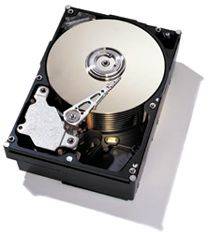 I’m looking for disk defragmenter (other than Windows built-in) that gives good optimization and works without produce any problems to my PC. Does anyone know any best disk defragmenter software? I know there are plenty defrag tools out there but I want to hear from you guys, based on your experiences.